
Choosing a VPS by the highest advertised CPU-core count can lead to disappointment. The right specification depends on how your software behaves under real traffic. A well-sized server keeps enough capacity for spikes while avoiding unnecessary monthly expense.
Quick answer: Estimate VPS CPU and RAM from the processes and traffic you actually run. Monitor memory pressure, CPU saturation, disk latency, and application response times, then resize when measurements justify it.
Separate memory demand from CPU demand
RAM holds the operating system, web server, application processes, and database working data. Too little memory can trigger swapping or process termination. CPU resources affect computation, PHP execution, compression, application logic, and many database operations.
A site with large working datasets can be memory-sensitive even with modest traffic. A poorly optimized application can exhaust CPU despite having plenty of RAM. Treat these as separate measurements.
Estimate a starting point
A small static website may need little compute, while a PHP application, database server, or Node.js service requires more. A development environment with a single application and a lightweight database can differ significantly from a production stack that also runs Redis, background workers, email services, and a control panel.
Build a component list first. Note each service’s expected memory use, then reserve headroom for the operating system and traffic peaks. Do not allocate every available megabyte to application processes.
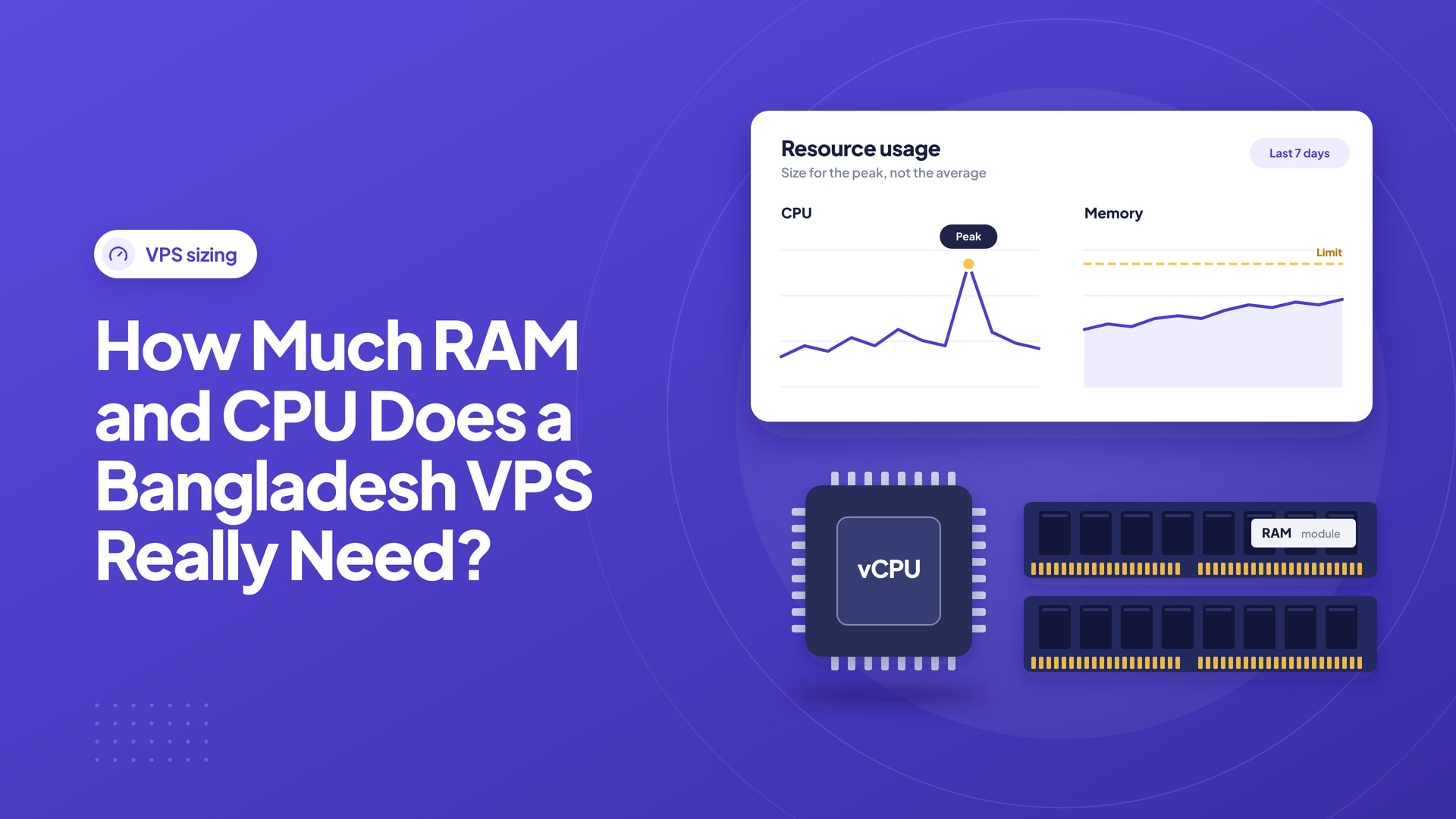
Look at peak load, not just daily averages
A site with 10,000 visits spread throughout a day can be easier to host than one with 1,000 visits concentrated into a few minutes. Measure active requests, queue depth, database connections, and error rates during the busiest periods.
Ask whether the advertised CPU cores are dedicated, shared, or subject to fair-use restrictions. Compare virtual-machine generation, storage performance, and network connectivity as well as core count.
Consider data-center geography
If most users are in Bangladesh, a local location may improve network response for some users. If the service targets global customers, test performance from the regions that matter. Local routing, CDN use, and application architecture should inform the choice.
For a public example of package sizing, Intelwebhost lists VPS configurations with differing RAM and CPU allocations on its Bangladesh VPS page. Use these specifications as comparison points, not as promises of workload-specific performance.
Estimate memory by service, not just visitor counts
A VPS may run an operating system, reverse proxy, application processes, database, cache, backup agents, and monitoring software. Each has its own memory footprint. Add their typical resident memory consumption and leave headroom for spikes, background jobs, and filesystem caching. If the database grows or a batch import runs, memory requirements can change substantially even when public traffic remains flat.
For a small Linux application, document the memory used by the OS and monitoring first. Then measure one web worker, the maximum practical number of workers, the database buffer size, and temporary job peaks. Avoid allocating all RAM to an application simply because it appears available on an idle server. A system that constantly swaps can show terrible tail latency even when CPU use looks low.
CPU core count and processing capacity are not identical
Two VPS plans advertising four vCPUs may deliver different performance depending on processor generation, virtualization configuration, allocation policy, and neighbor contention. Use consistent application benchmarks instead of assuming the count alone predicts response time. For CPU-heavy video conversion, compilation, or background analysis, understand sustained performance. For normal web traffic, application concurrency, event-loop behavior, and database lock contention can matter more than short peak CPU clock speed.
Monitor average and 95th-percentile request times together with CPU saturation and run-queue length. If the site becomes unresponsive only during backup or scheduled import windows, changing job scheduling may be more effective than doubling core count.
A practical starting worksheet
These are illustrative planning ranges, not guarantees or provider commitments:
| Workload | Questions to answer before selecting RAM/CPU |
|---|---|
| Small static site with proxy | Is there an application server or only static assets? |
| One modest Node.js or PHP app | How many workers, concurrent requests, and background tasks? |
| WordPress plus local database | What is the cache hit rate and peak database memory need? |
| Multiple apps with a queue | What are the combined resident memory and job peaks? |
| Heavy e-commerce or API platform | What are the measured latency and throughput targets? |
Start by running a representative workload on a trial or staging environment, then size upward with evidence. Put application and database services on separate instances only when the added complexity offers a measurable operational benefit.
Storage and network are part of the calculation
A 16 GB RAM package is not inherently appropriate if the site needs more disk throughput or if the database is poorly indexed. Measure disk latency and available IOPS along with CPU and RAM. Review the monthly transfer allocation, burst bandwidth policy, public IP needs, and backup storage requirements. Distinguish network port speed from guaranteed sustained throughput.
For a Bangladesh-focused audience, local routing might influence response times, but a CDN and application efficiency can change the outcome. Test from actual customer networks rather than relying on one geographic assumption.
Build in observable scaling triggers
Choose metrics that lead to action: sustained memory pressure with swapping, 95th-percentile latency above an agreed threshold, repeated out-of-memory kills, a full disk forecast, or CPU saturation during normal traffic. Set alerts before the system reaches failure. Keep a record of when you resized, what changed, and whether customer experience improved.
Capacity review checklist
- Record baseline RAM, swap, CPU, disk, network and error rates.
- Identify long-running background tasks and scheduled bursts.
- Test database queries under a representative dataset.
- Maintain enough free storage for updates, logs, and backups.
- Verify restore procedures before resizing a production instance.
- Treat vCPU specifications as one factor, not the entire performance model.
Verify the initial deployment
Once the server is running, monitor memory consumption, CPU saturation, disk I/O, load averages, and response times. Add real traffic gradually if possible. Benchmark the actual application rather than relying only on synthetic tests.
Scale when consistent evidence shows a constraint. A VPS that is easy to monitor, back up, secure, and resize is often more valuable than an oversized machine with poor operational discipline.
Frequently asked questions
How much RAM does a VPS need for WordPress?
It depends on the number of websites, traffic, cache strategy, database size, and plugin stack. Measure real memory use on a representative deployment.
Are more vCPU cores always better?
No. Single-threaded tasks, database contention, disk I/O, and virtualization limits can make extra cores less useful than expected.
What metric suggests I should resize first?
Sustained resource pressure correlated with user-facing errors or latency is stronger evidence than a single short-lived spike.






Leave a Reply